Why Your Crosshair Matters in Valorant
In a tactical shooter like Valorant, where precision is paramount, your crosshair is more than just a cosmetic choice. It’s a critical component of your user interface that directly impacts your aiming ability. A well-configured crosshair can improve your target acquisition, help you maintain focus, and provide valuable feedback on your weapon’s accuracy. Conversely, a poorly designed crosshair can be distracting, obscure your vision, and hinder your performance. Therefore, taking the time to customize your crosshair is a crucial step for any player looking to climb the ranks.
The ideal crosshair is a matter of personal preference, but there are some general principles to follow. It should be visible in all environments without being distracting. The color should contrast with the game’s various maps, which is why many pros opt for bright colors like cyan, green, or magenta. The size and thickness of the crosshair should be large enough to be easily seen but small enough that it doesn’t obscure your target. Many players prefer a small gap in the center of their crosshair to help with precise headshots.
Pro Player Crosshair Configs
Studying the crosshairs of professional players can be a great starting point for finding your own perfect setup. These players have spent countless hours refining their settings for optimal performance. Here are a few examples of popular pro player crosshairs:
TenZ’s Crosshair
Tyson “TenZ” Ngo is one of the most popular Valorant players, known for his incredible aim and flashy plays. His crosshair is a classic and a great starting point for many players.
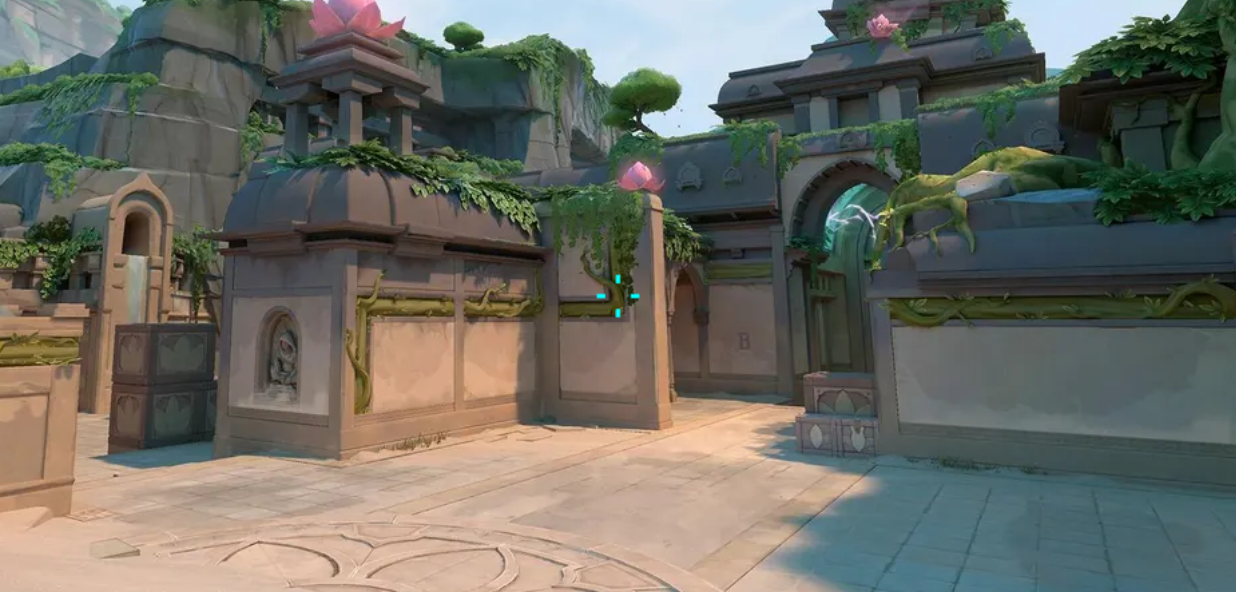
Code: 0;P;c;5;h;0;0l;4;0o;2;0a;1;1b;0
ZmjjKK’s Crosshair
Zheng “ZmjjKK” Yongkang is a rising star known for his aggressive playstyle. His crosshair is smaller and red, which some players find less distracting.
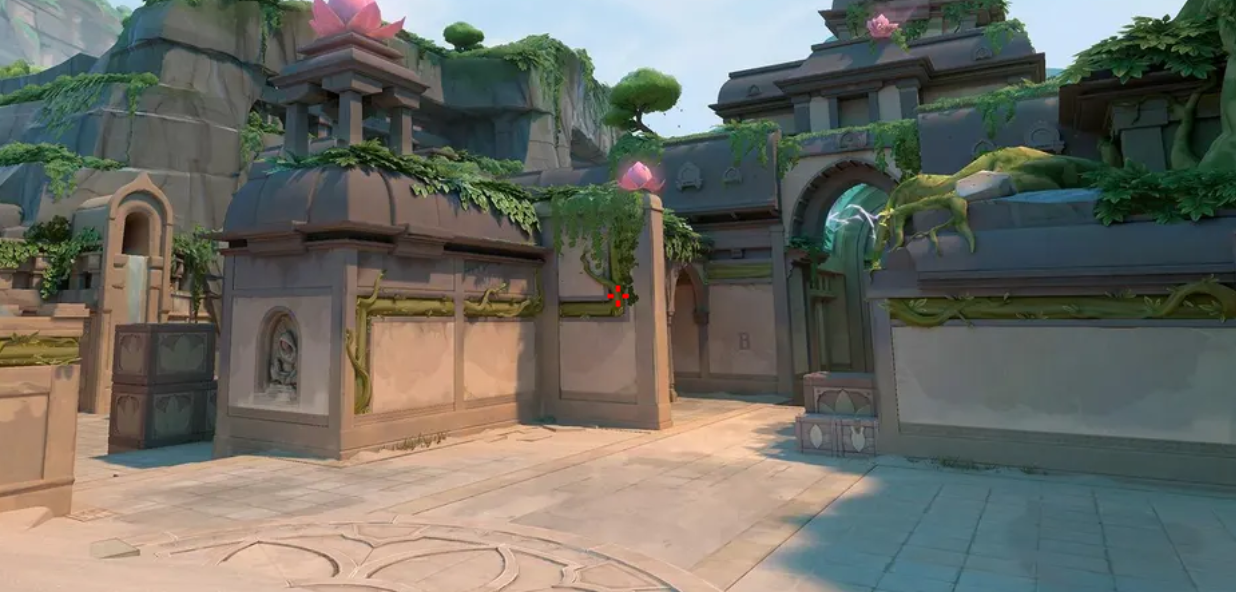
Code: 0;s;1;P;c;7;u;000000FF;h;0;0l;3;0v;3;0g;1;0o;2;0a;1;0f;0;1b;0;S;c;0;s;1.2;o;1
s0m’s Crosshair
Peter “s0m” Salib is another popular pro who prefers a simple dot crosshair. This type of crosshair is excellent for precision tapping but can be harder to track during chaotic fights.
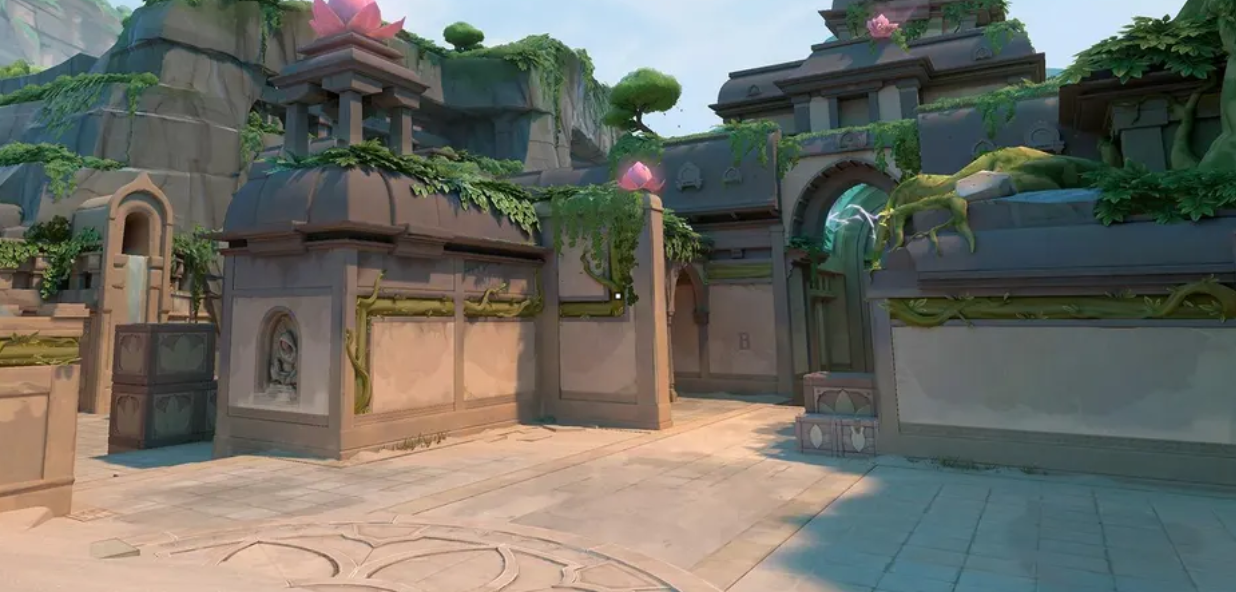
Code: 0;P;o;0.619;d;1;f;0;s;0;0t;1;0l;0;0o;2;0a;1;0f;0;1b;0
How to Customize Your Own Crosshair
Valorant offers a comprehensive set of options for customizing your crosshair. You can access these settings in the “Crosshair” tab of the game’s settings menu. Here’s a breakdown of the key settings:
- Color: Choose a color that is easily visible on all maps.
- Outlines: Adds a black outline to your crosshair, which can improve visibility.
- Center Dot: A dot in the middle of your crosshair.
- Inner and Outer Lines: These are the lines that make up your crosshair. You can adjust their opacity, length, thickness, and distance from the center.
- Movement and Firing Error: These settings make your crosshair dynamic, expanding when you move or shoot. This can be helpful for learning spray patterns but some players find it distracting.
The best way to find your perfect crosshair is to experiment. Try out the settings of your favorite pro players, and then tweak them to your liking. You can also use online crosshair generators to create and preview your crosshair before importing it into the game. Remember, the goal is to find a crosshair that feels comfortable and helps you aim your best.
Ultimately, the best crosshair is the one that works for you. Don’t be afraid to experiment and change your settings as you improve. A well-crafted crosshair is a valuable tool in your Valorant arsenal, so take the time to create one that will help you dominate the competition.


More Stories
How to Go Pro in LoL or Valorant: Career Path Guide
LoL vs Valorant: Riot Games’ Two eSports Giants Compared
Top LoL Pro Players & Their Signature Champions in 2026